 hyprland-pets
Your desktop
needs a cow.
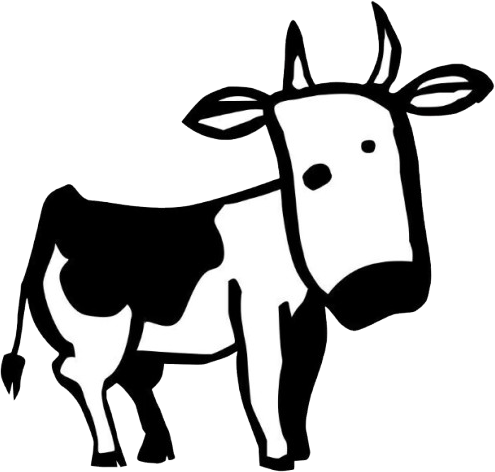
hyprland-pets puts a little pet in a pull-down box at the edge of your Hyprland screen. Drag him out and he walks on your windows. Throw him, catch him, pet him, dress him up.
$curl -fsSL https://github.com/BugzySleeps/hyprland-pets/releases/latest/download/install.sh | bash
Psst: hover the little tab at the top of the page. Then drag Larry out.
Small cow, lots going on
One small Python process that stays out of your way: clicks go straight through to your windows everywhere except the pet, and it hides while anything is fullscreen.
Walks on your windows
Lands on top of them, rides along when you move them, hops between them, and can even move into your terminal.
Throw and catch
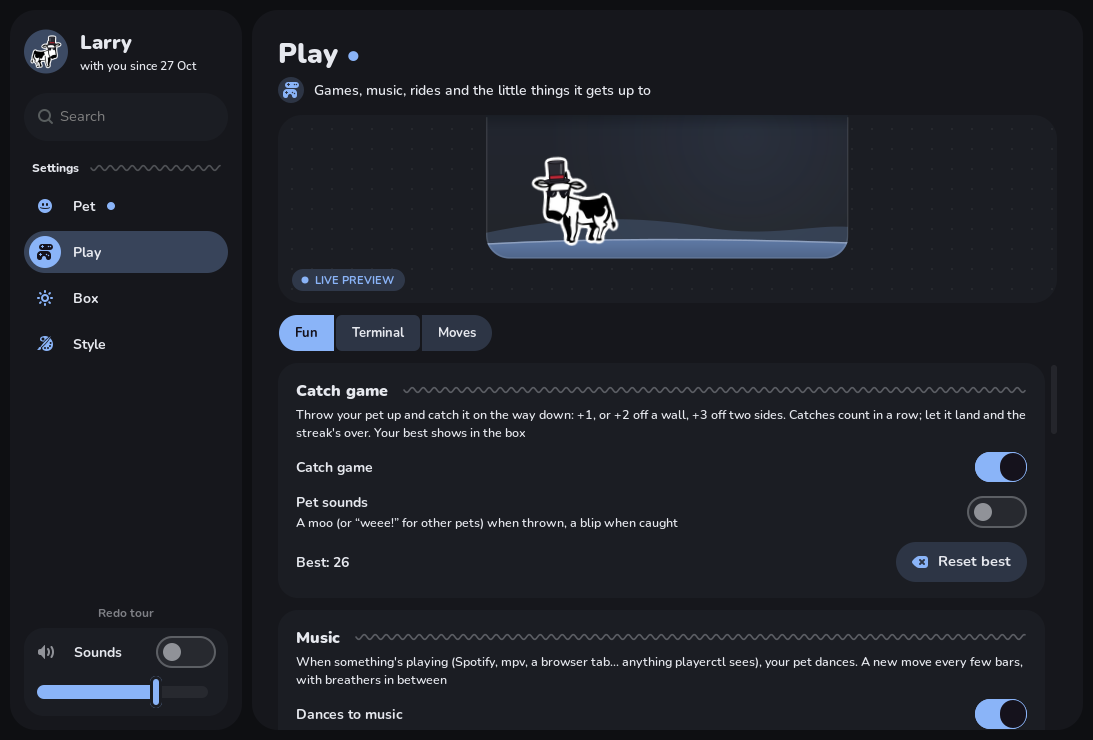
Fling him off the screen edges and catch him on the way down. Wall bounces score extra, and your best streak is kept.
Petting
Hold the scroll wheel and stroke him. Hearts float up, and keep going and he flops over, blissed out.
A whole wardrobe
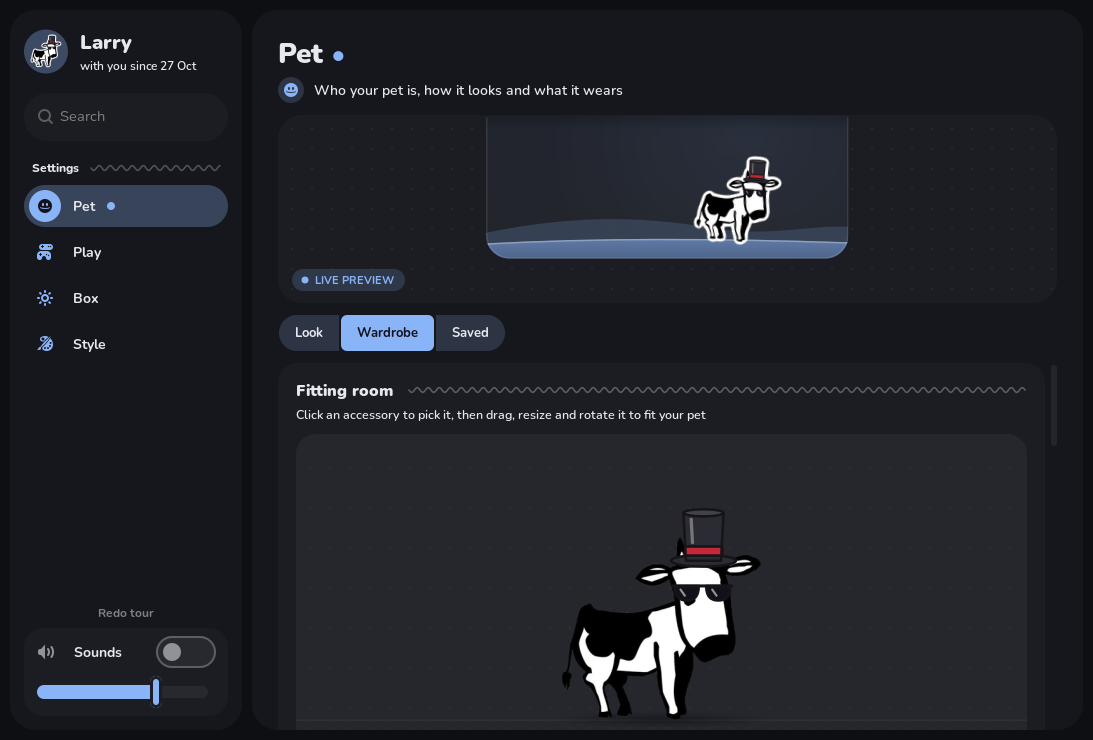
16 accessories plus your own pictures, fitted by drag and drop. Seasonal ones to claim around the holidays.
Any colour cow
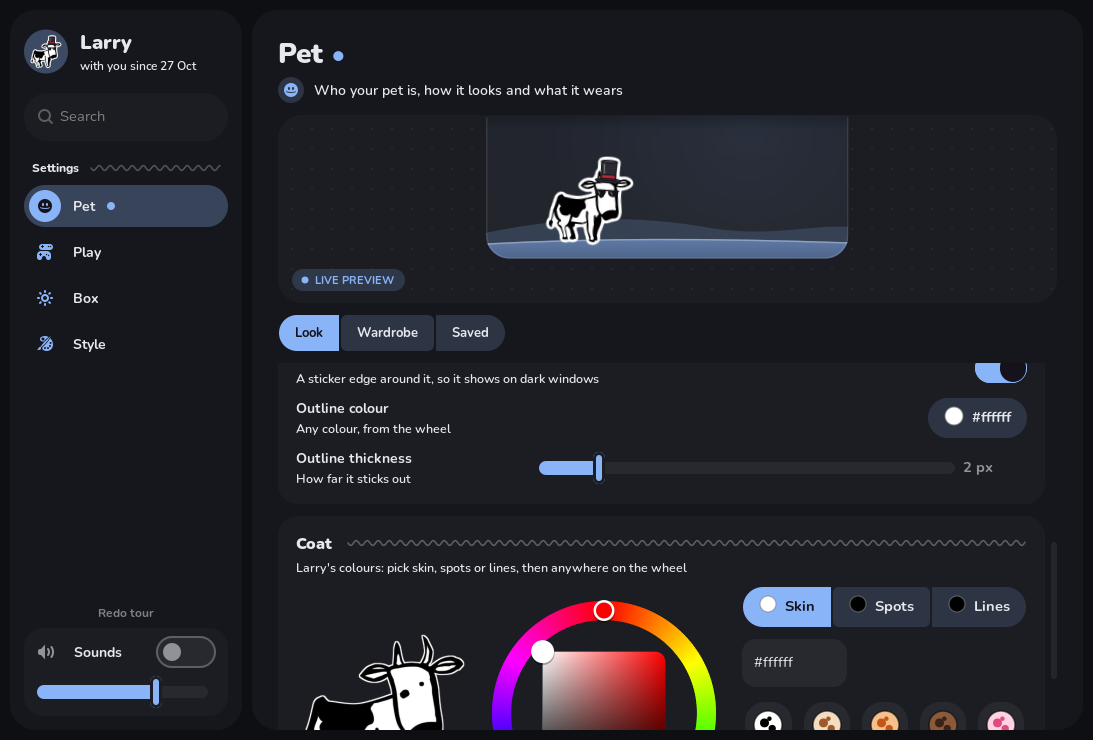
Recolour his skin, spots and lines on a colour wheel, or use any picture as your pet instead.
Dresses for the weather
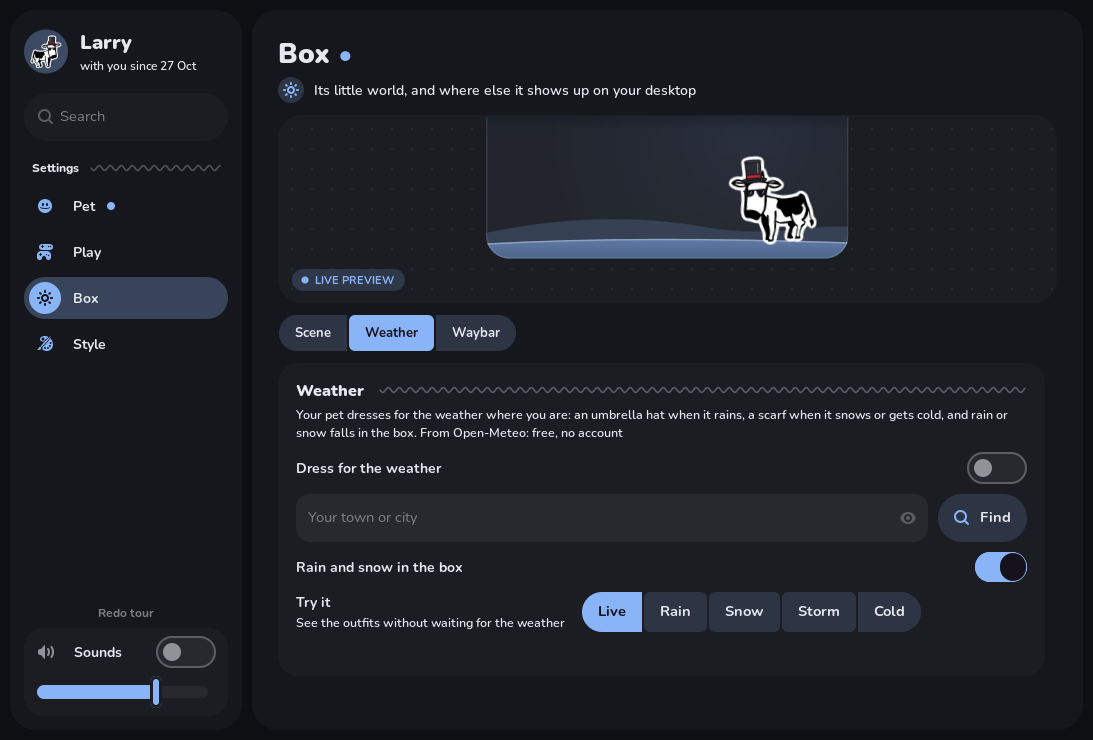
An umbrella hat in the rain, a scarf when it's cold, and rain or snow in his box. No account needed.
Dances to your music
Anything playing makes him bop, sway and headbang. With cava he finds the beat of the song.
Goes for rides
Every so often he hops on a mini motorcycle, a car, a one-cow helicopter or a bike.
Lives in your Waybar
A little square with his face, showing how he feels. Click it and he pops out with a puff of smoke.
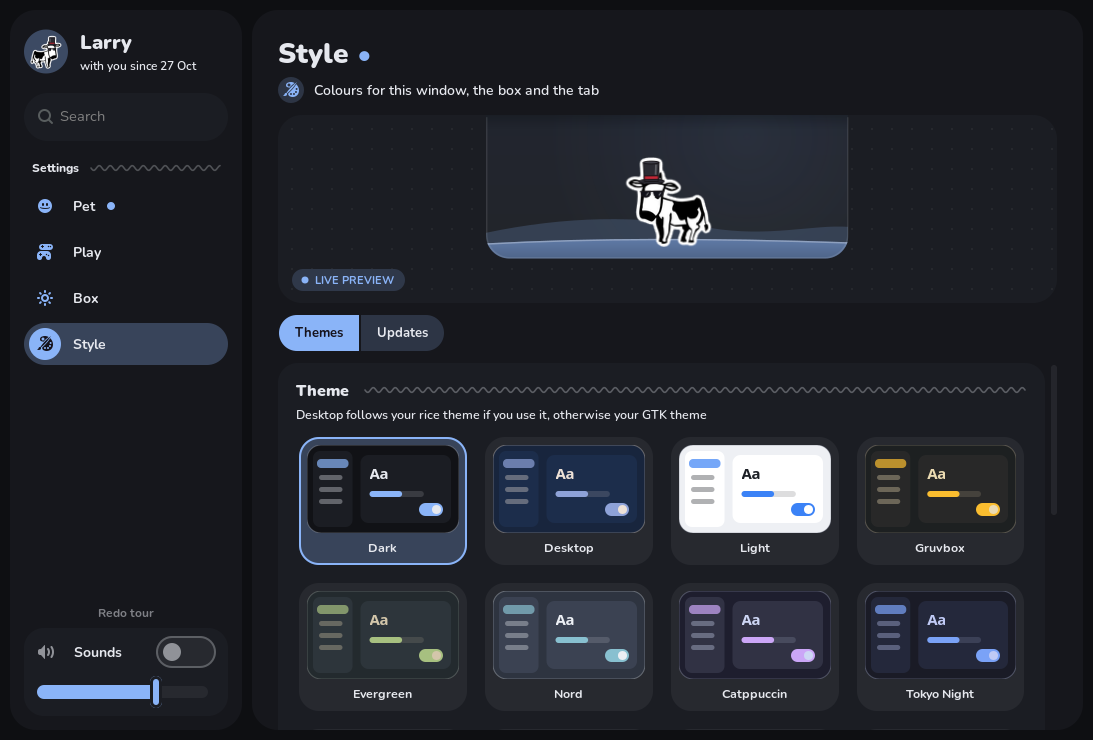
Themes from palettes
A dozen built-in themes, or make one from any Coolors palette, by upload or by link.
Share your pet
Export your pet as one .larrypet file, look and outfit and all, and import other people's.
Says hello properly
A first-run welcome and a short tour, and it tells you when there's an update, but never updates by surprise.
Make him yours
This is the real recolouring from the app, running right here. Pick some colours and the Larry wandering this page changes too.
The settings window
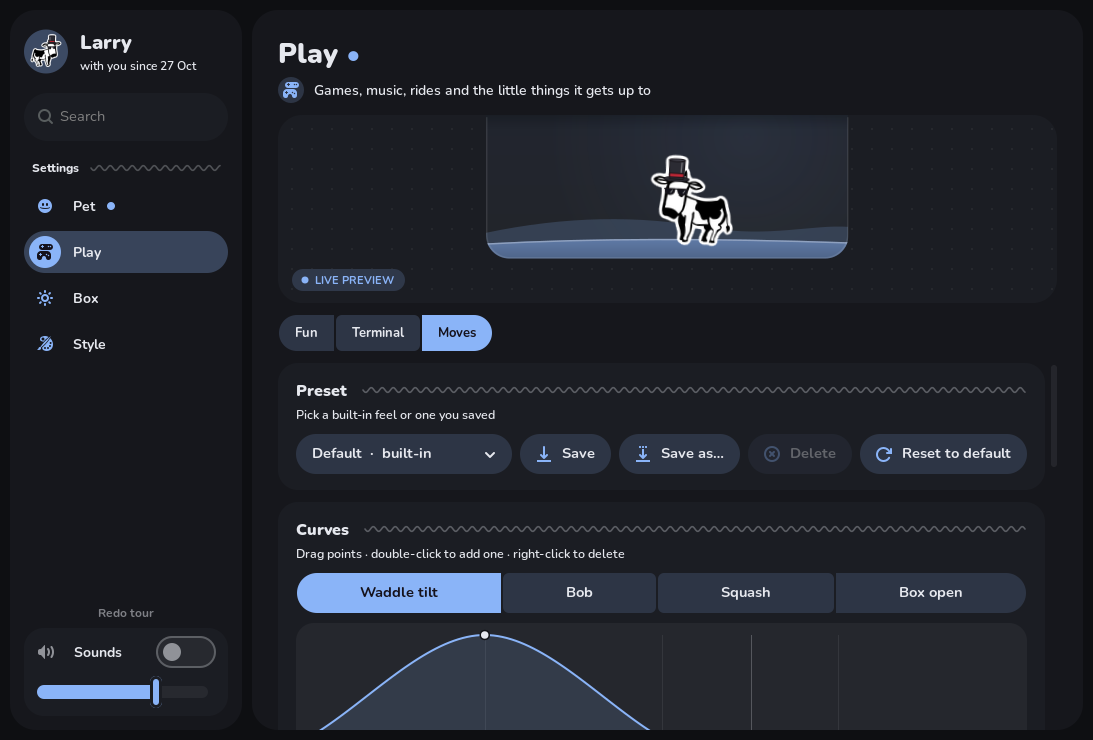
Four tabs, live preview, searchable, and soft little click sounds.
Install
One line, in a terminal inside Hyprland. It installs what's missing on Arch, Debian/Ubuntu, Fedora and Gentoo, adds itself to your Hyprland config and starts. It asks before using sudo or touching your config. Run it again to update; your settings are kept.
$curl -fsSL https://github.com/BugzySleeps/hyprland-pets/releases/latest/download/install.sh | bash
| Needs | Hyprland, Python 3.11+ with PyGObject, pycairo and Pillow, GTK 3 and gtk-layer-shell (with introspection). Optional: GStreamer for sounds, cava for dancing in time. |
| Arch | python-gobject gtk3 gtk-layer-shell python-cairo python-pillow gst-plugins-good |
| Gentoo | dev-python/pygobject x11-libs/gtk+:3 gui-libs/gtk-layer-shell[introspection] dev-python/pycairo dev-python/pillow media-plugins/gst-plugins-pulse |
| Debian / Ubuntu | python3-gi python3-gi-cairo gir1.2-gtk-3.0 gir1.2-gtklayershell-0.1 python3-pil gir1.2-gstreamer-1.0 gstreamer1.0-pulseaudio |
| Fedora | python3-gobject python3-cairo gtk3 gtk-layer-shell python3-pillow gstreamer1-plugins-good |
Questions
Does it work outside Hyprland?
It's built for Hyprland. It draws with gtk-layer-shell, so it runs on other wlroots compositors and KDE too, but the window-aware parts (walking on windows, terminals) use Hyprland's IPC. GNOME and X11 aren't supported.
Is it heavy?
No: it's one small Python process, and it sleeps when nothing's moving. Clicks pass straight through to your windows everywhere except the pet, the tab and the box.
Does it send anything anywhere?
Only if you turn things on: the weather (Open-Meteo, just your town's coordinates) and the update check (asks GitHub for the latest version). No accounts, no tracking. Your "profile" is a file on your computer.
Can I use my own pet?
Yes: any picture works, PNGs with transparency look best. Larry gets the extra poses (sitting, sleeping, typing, riding) and recolouring, but every pet walks, gets thrown, wears accessories and dances.
How do I uninstall?
Run the installer with --uninstall: curl -fsSL …/install.sh | bash -s -- --uninstall. Your settings in ~/.config/larry stay unless you delete them.